How to Self-Host LLM Gateway
Run LLM Gateway on your own infrastructure in under 5 minutes. Full control, zero platform fees.
By LLM Gateway
Want full control over your LLM infrastructure? Self-host LLM Gateway on your own servers—keep your data in-house, avoid platform fees, and customize everything. Here's how to get running in under 5 minutes.
Option 1: Unified Docker Image (Easiest)
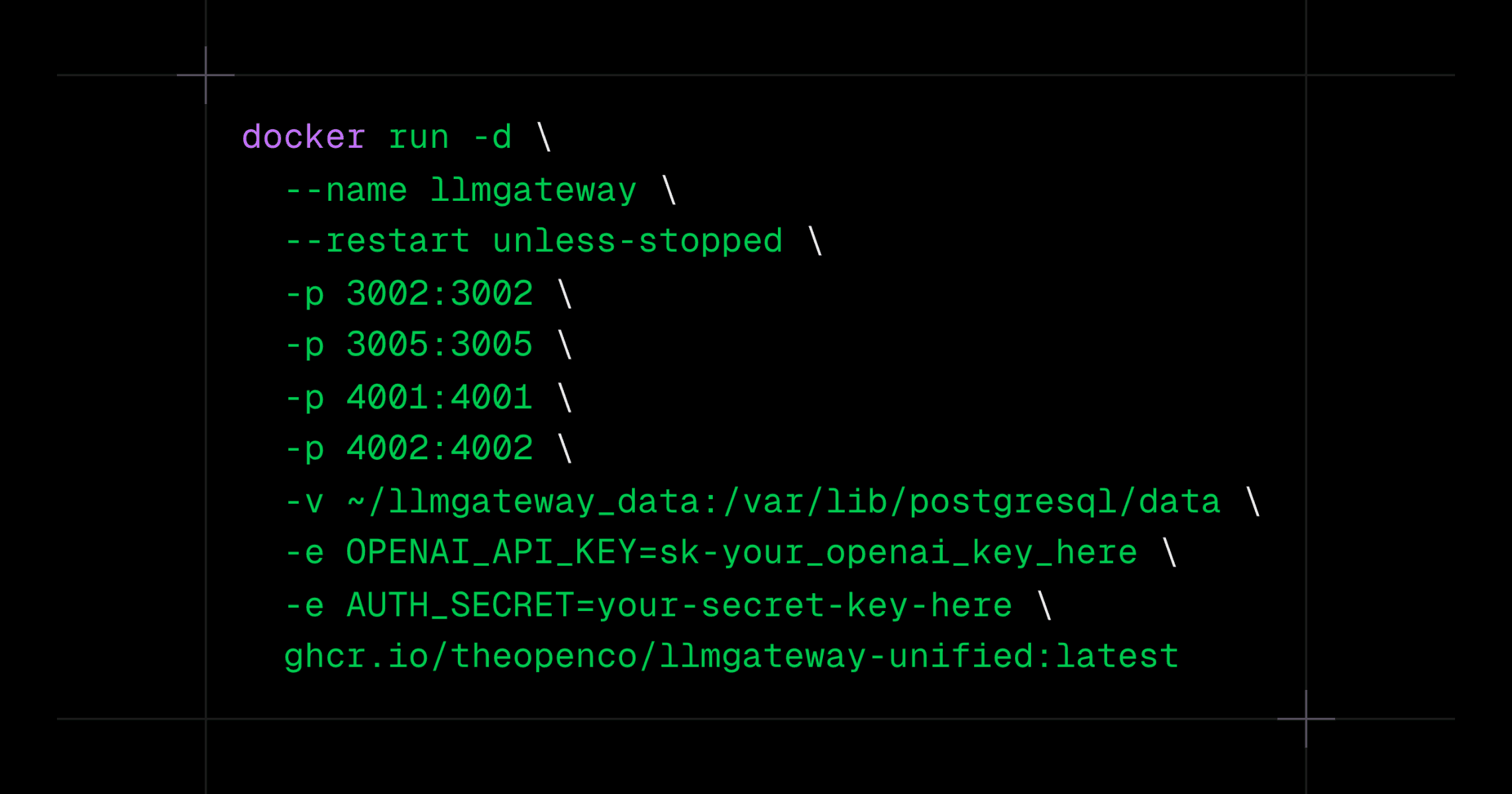
1docker run -d \2 --name llmgateway \3 --restart unless-stopped \4 -p 3002:3002 -p 3003:3003 -p 3005:3005 -p 3006:3006 -p 4001:4001 -p 4002:4002 \5 -v ~/llmgateway_data:/var/lib/postgresql/data \6 -e AUTH_SECRET=your-secret-key-here \7 -e GATEWAY_API_KEY_HASH_SECRET=your-api-key-hash-secret-here \8 ghcr.io/theopenco/llmgateway-unified:latest1docker run -d \2 --name llmgateway \3 --restart unless-stopped \4 -p 3002:3002 -p 3003:3003 -p 3005:3005 -p 3006:3006 -p 4001:4001 -p 4002:4002 \5 -v ~/llmgateway_data:/var/lib/postgresql/data \6 -e AUTH_SECRET=your-secret-key-here \7 -e GATEWAY_API_KEY_HASH_SECRET=your-api-key-hash-secret-here \8 ghcr.io/theopenco/llmgateway-unified:latestOne command. All services. Running in seconds.
Tip: Pin to a specific release tag (e.g.,
v1.2.3) in production to avoid unexpected updates.
Option 2: Split Services via Docker Compose
For more control over individual services (useful for scaling or debugging):
1git clone https://github.com/theopenco/llmgateway.git2cd llmgateway3cp .env.example .env4# edit .env5docker compose -f infra/docker-compose.split.yml up -d1git clone https://github.com/theopenco/llmgateway.git2cd llmgateway3cp .env.example .env4# edit .env5docker compose -f infra/docker-compose.split.yml up -dAccess Your Instance
Once running, your services are available at:
| Service | URL | Description |
|---|---|---|
| Web UI | http://localhost:3002 | Dashboard and analytics |
| Playground | http://localhost:3003 | Chat playground |
| Docs | http://localhost:3005 | Local documentation |
| Admin | http://localhost:3006 | Platform administration |
| API | http://localhost:4002 | Management API |
| Gateway | http://localhost:4001 | LLM request gateway (use this) |
What You Get
Self-hosting gives you:
- Zero platform fees — No percentage taken from your API spend
- Data sovereignty — All requests stay on your infrastructure
- Unlimited customization — Modify the codebase to fit your needs
- Same features — Analytics, caching, and routing work just like the hosted version
For the full setup guide with environment configuration and production tips, see the Self-Host documentation.
One API key for every model.
Route to 200+ models with automatic failover, caching, and real-time cost analytics. Free to start — no credit card required.
Frequently asked questions
- How do I self-host LLM Gateway?
- Run the unified Docker image for a single-command setup, or use Docker Compose to run the services separately when you want to scale or debug them individually. Pin a specific release tag in production to avoid unexpected updates.
- Why self-host LLM Gateway?
- Self-hosting means no platform fees on your API spend, the gateway and its logs run on your own infrastructure, and you can modify the code to fit your needs. Requests are still sent to the model providers you call.
Not ready to switch yet?
Follow new model releases instead.
A short roundup when new models land. Unsubscribe anytime.